
Quick Start
Platform Access
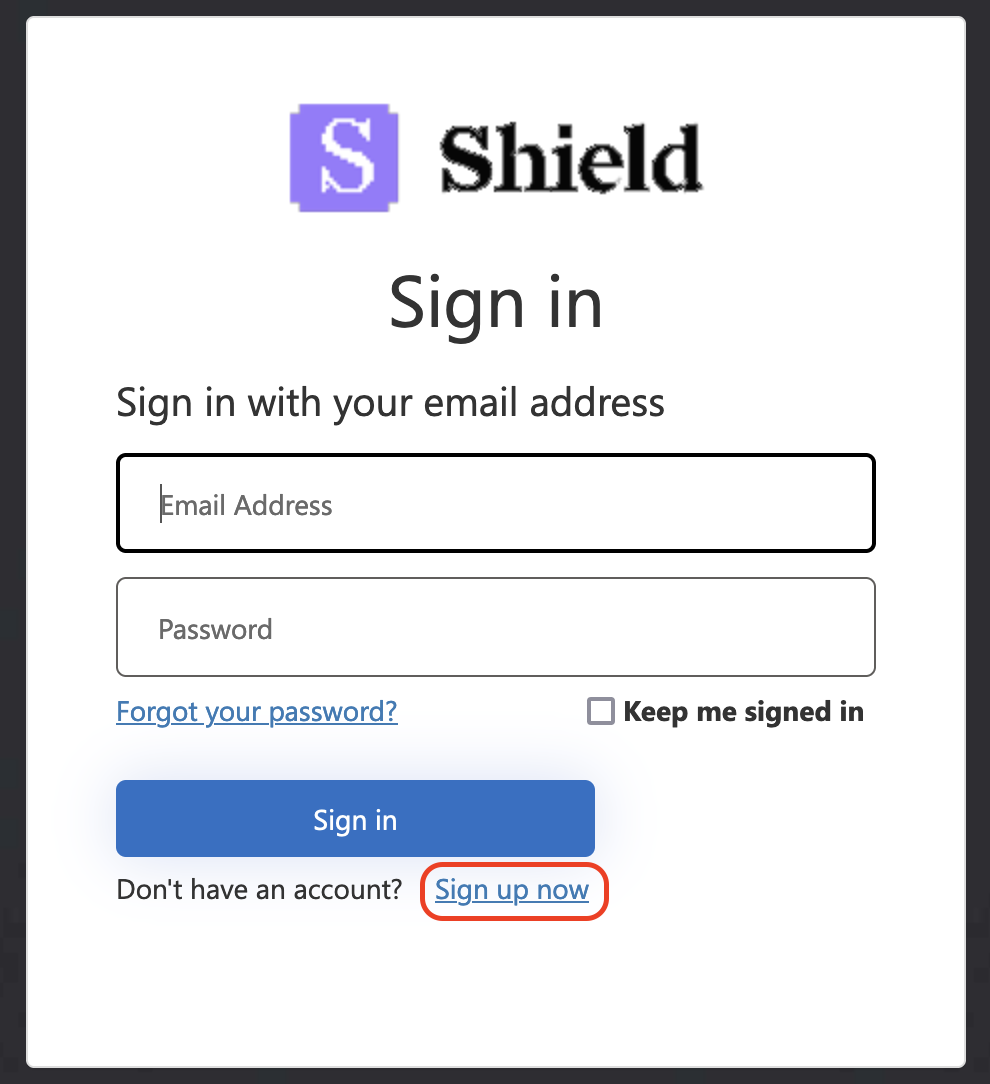
Navigate to https://platform.shieldcyber.io and click “Sign up now”.
Create your Shield account
Create your Shield account
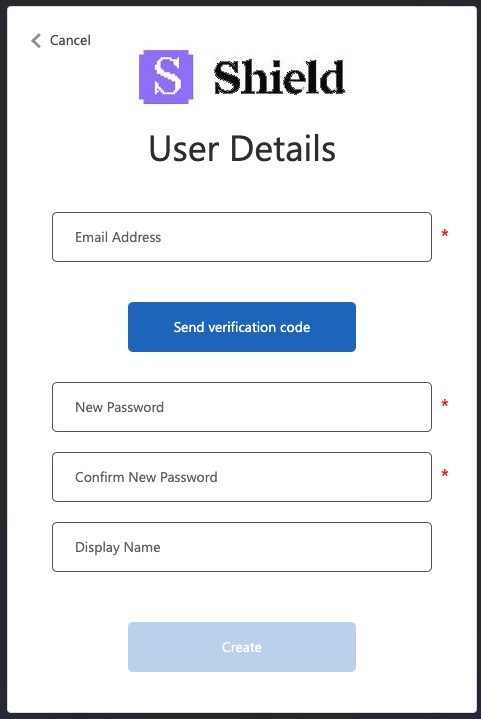
Enter and confirm your email address, create a password, display name, and set up multi-factor authentication (MFA).
Scanning
Setup your subscriptions
Setup your subscriptions
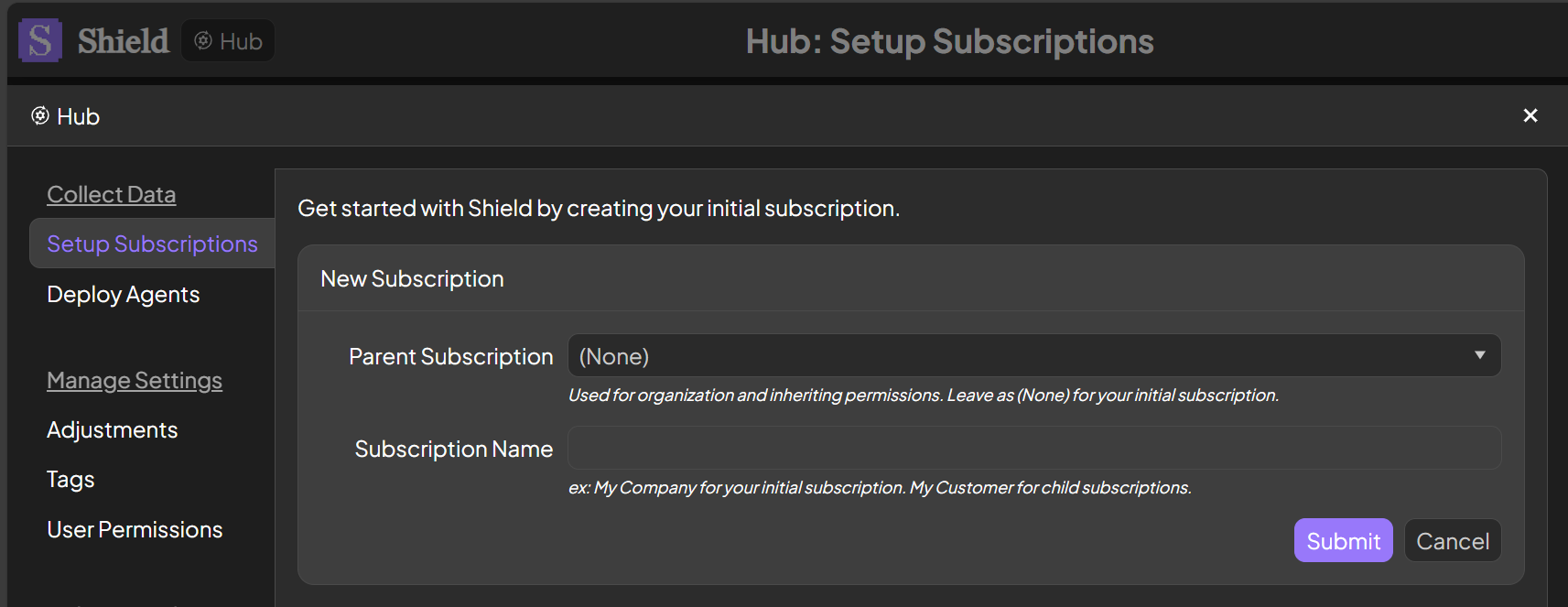
Open the Hub in the top left corner to setup your subscriptions. Enter your company name for your initial subscription. Create additional subscriptions for your clients using that initial subscription as the parent.
Deploy agents
Deploy agents
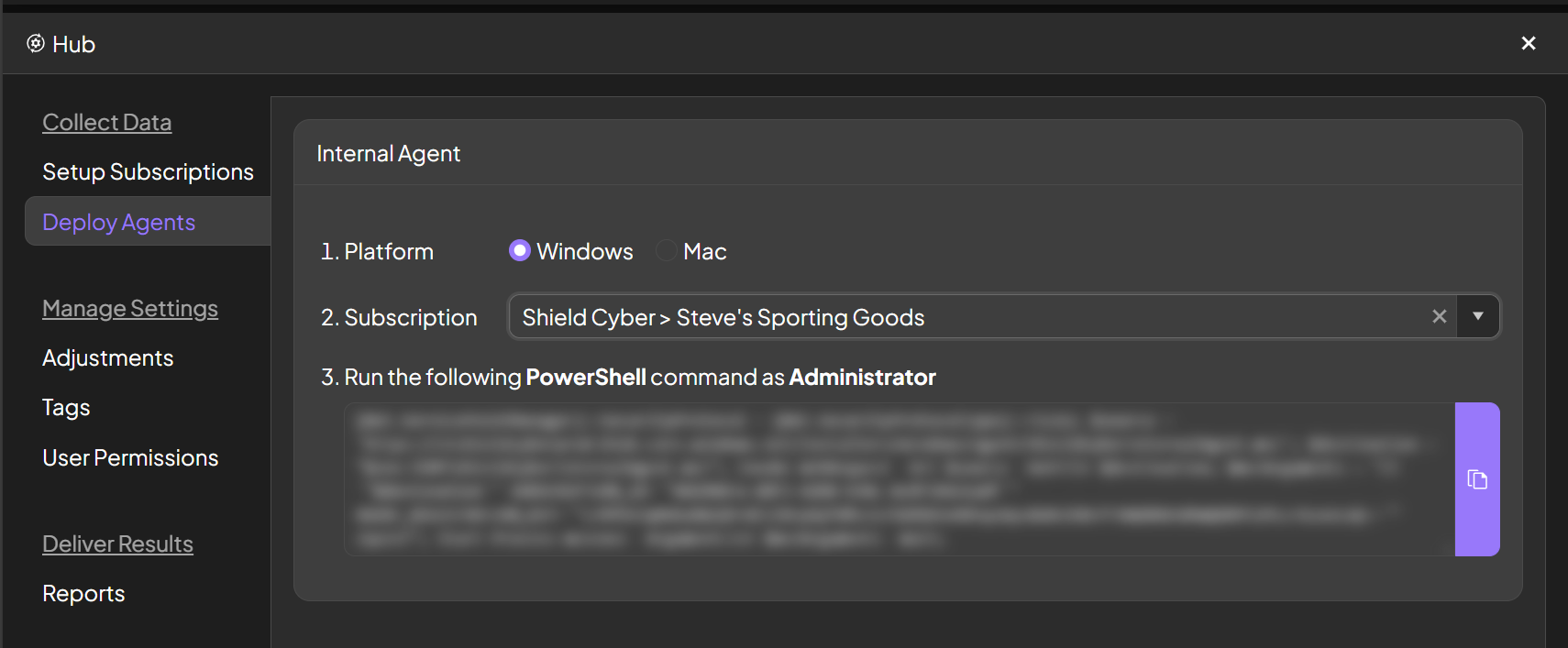
To perform agent based scanning, navigate to the Deploy Agents page. Select the platform and subscription and copy the script out of the platform. This script can then be deployed to managed hosts with your preferred remote administration tool or technique.