> ## Documentation Index
> Fetch the complete documentation index at: https://docs.shieldcyber.io/llms.txt
> Use this file to discover all available pages before exploring further.
# Tags
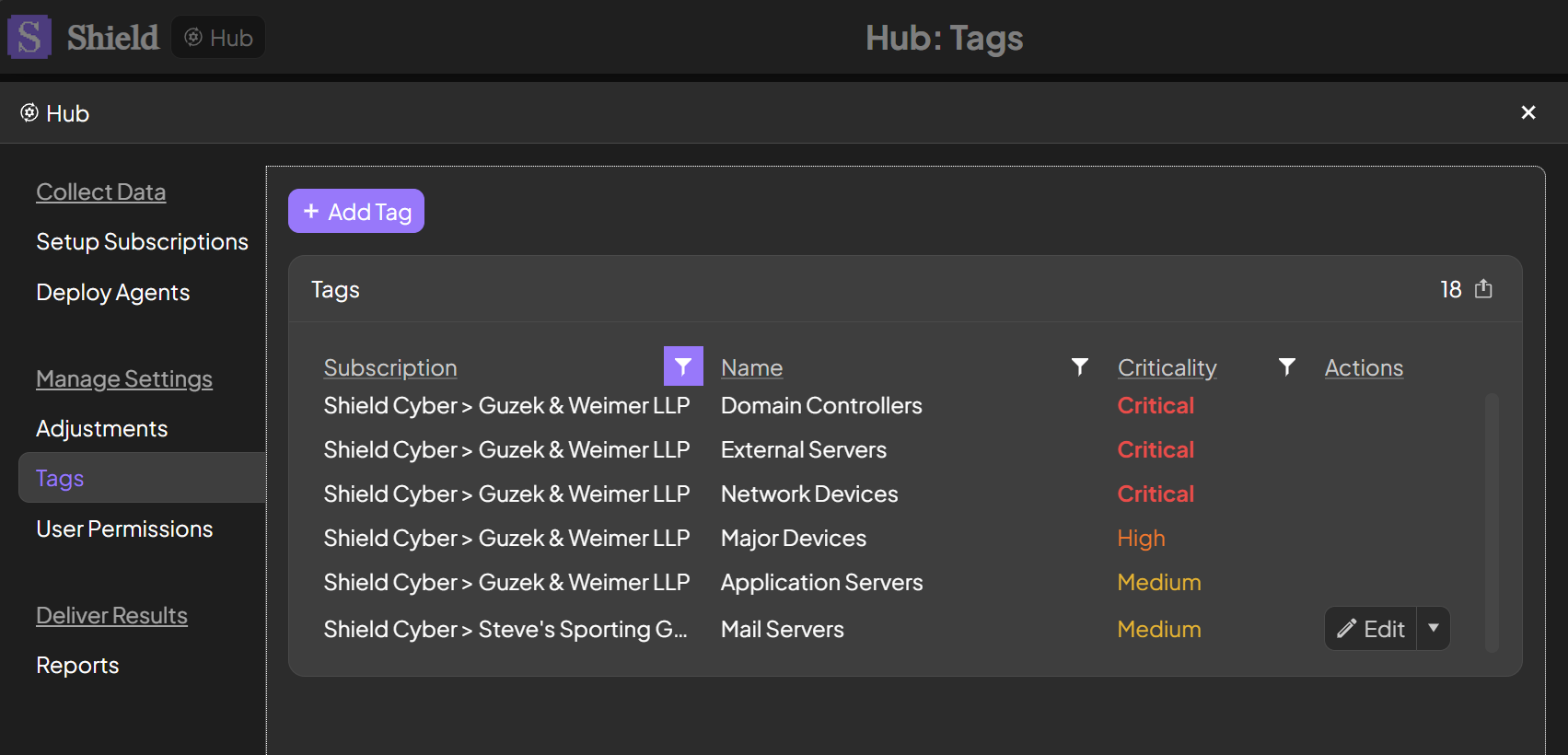
> The Tags page allows for adding, editing and deleting tags which can be linked to assets.
 ### Add Tag
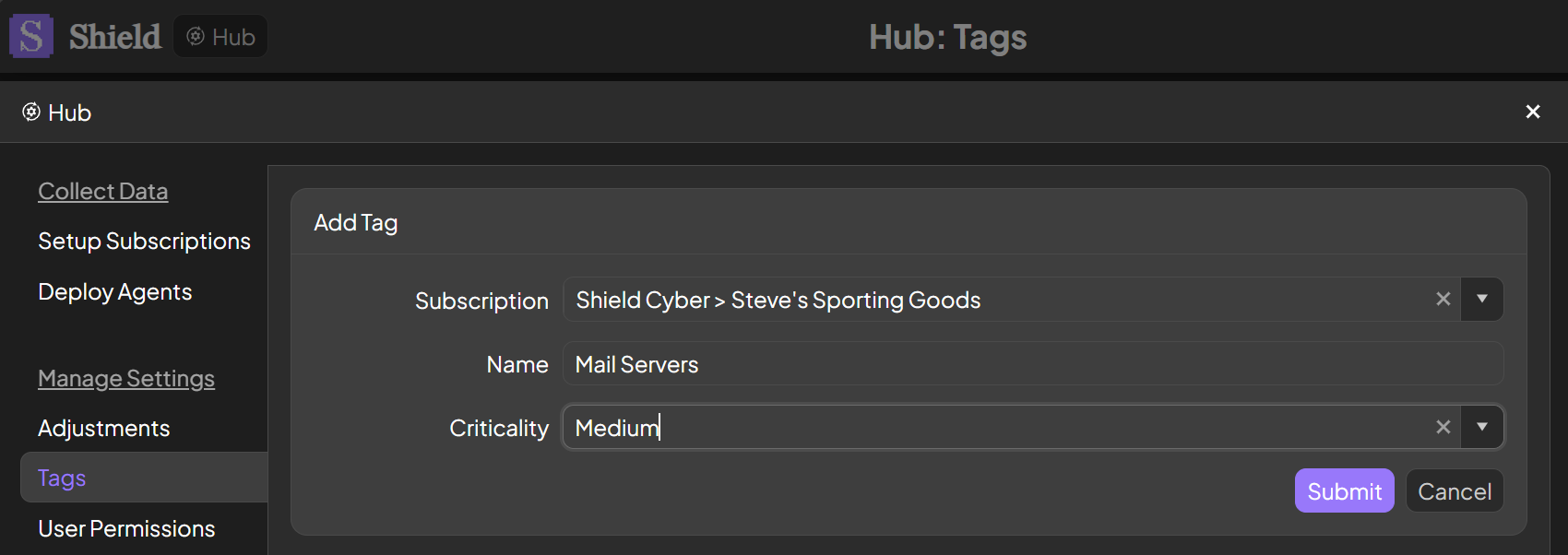
To add a new tag, click the Add Tag button. Select a subscription and enter a name for your tag. An optional criticality may be specified to affect the criticality of the assets with that tag.
### Add Tag
To add a new tag, click the Add Tag button. Select a subscription and enter a name for your tag. An optional criticality may be specified to affect the criticality of the assets with that tag.
 ### Edit Tag
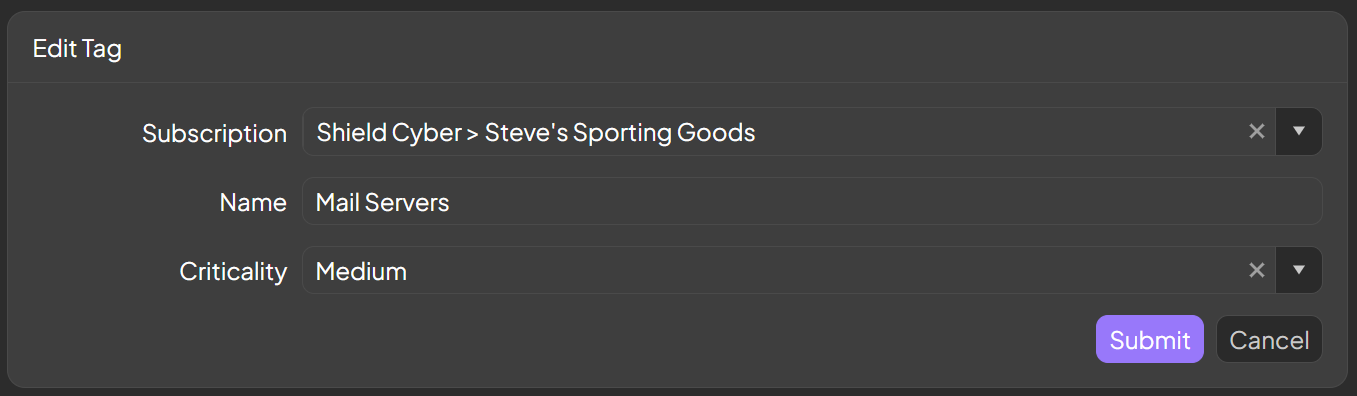
To edit a tag, click the Edit button in the same row as the tag. The Edit button will only be available to users with the Manage Settings permission on the subscription.
### Edit Tag
To edit a tag, click the Edit button in the same row as the tag. The Edit button will only be available to users with the Manage Settings permission on the subscription.
 ### Delete Tag
To delete a tag, and unlink it from all assets, click the drop down by the Edit button and select Delete in the same row as the tag. The Delete button will only be available to users with the Manage Settings permission on the subscription.
### Delete Tag
To delete a tag, and unlink it from all assets, click the drop down by the Edit button and select Delete in the same row as the tag. The Delete button will only be available to users with the Manage Settings permission on the subscription.