> ## Documentation Index
> Fetch the complete documentation index at: https://docs.shieldcyber.io/llms.txt
> Use this file to discover all available pages before exploring further.
# Setup Subscriptions
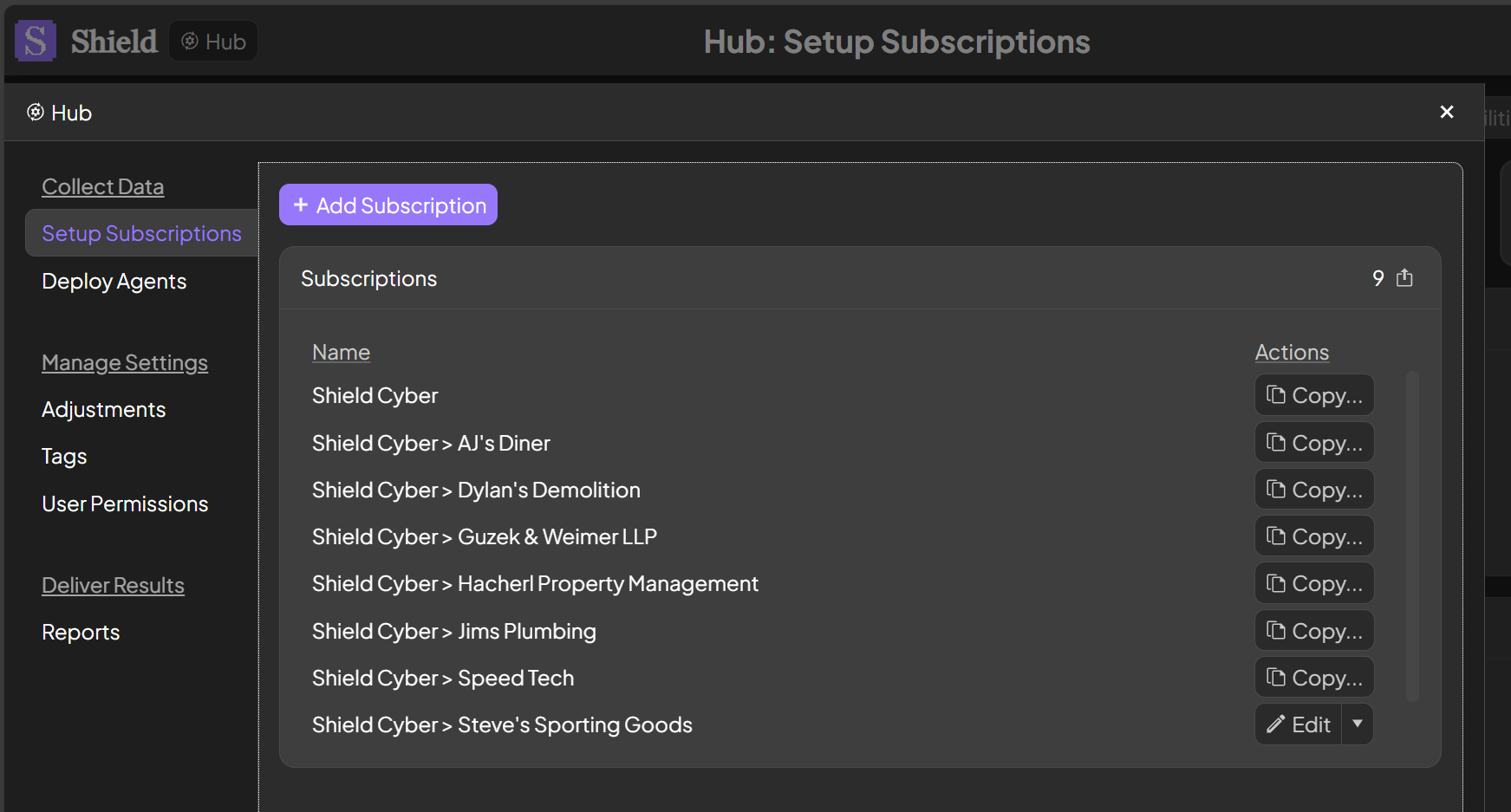
> The Setup Subscriptions page allows for adding and editing subscriptions. It also allows for copying and regenerating keys used for deployments and API access.
 ### Add Subscription
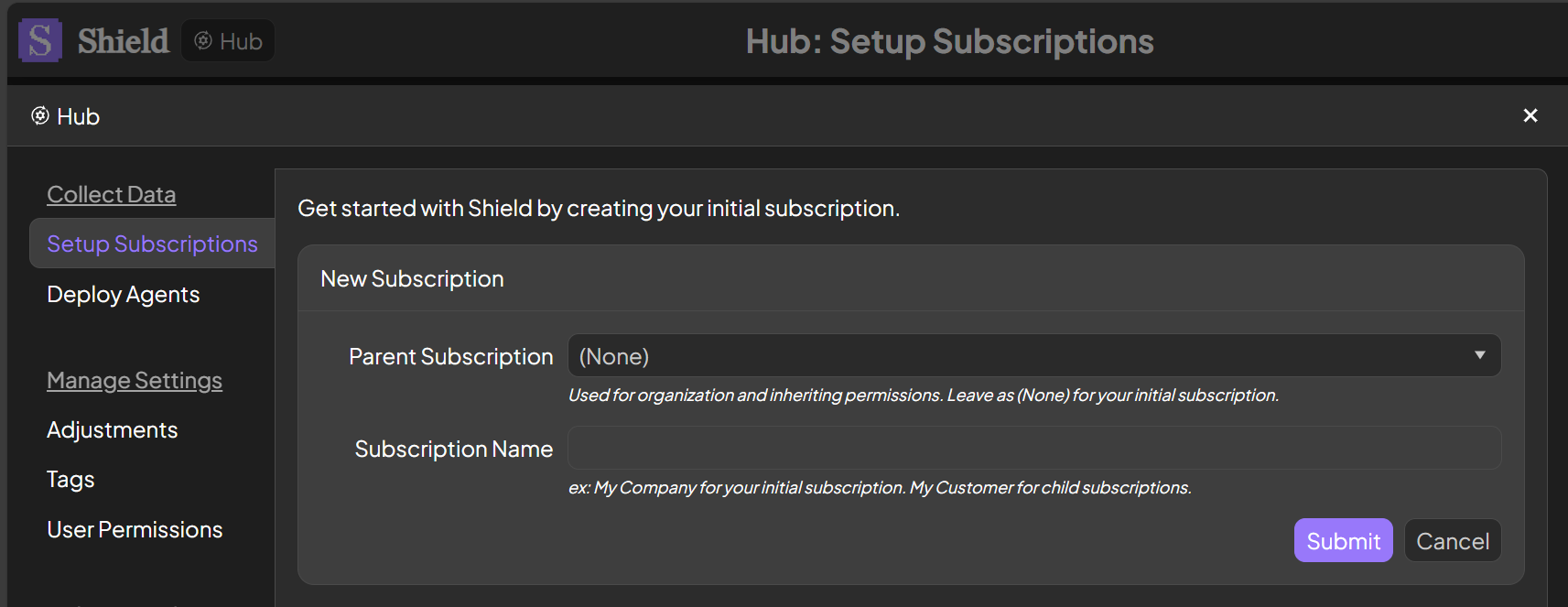
To add a new subscription, click the Add Subscription button. Enter your company name for your initial subscription. Create additional subscriptions for your clients using that initial subscription as the parent.
### Add Subscription
To add a new subscription, click the Add Subscription button. Enter your company name for your initial subscription. Create additional subscriptions for your clients using that initial subscription as the parent.
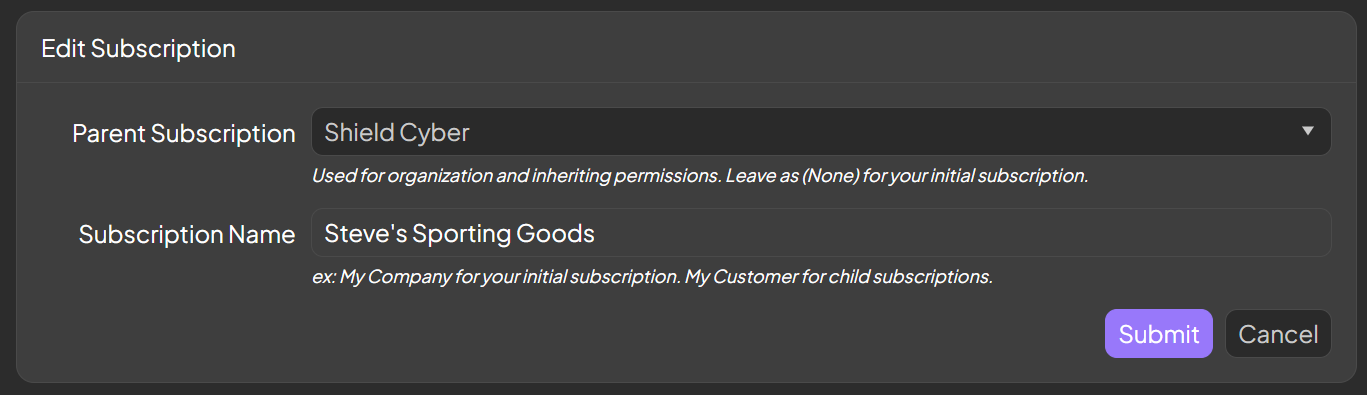
 ### Edit Subscription
To edit a subscription, click the Edit button in the same row as the subscription. The Edit button will only be available to users with the Admin permission on the subscription. The parent subscription and the subscription name can be changed at any time without affecting the data or deployments of the subscription.
### Edit Subscription
To edit a subscription, click the Edit button in the same row as the subscription. The Edit button will only be available to users with the Admin permission on the subscription. The parent subscription and the subscription name can be changed at any time without affecting the data or deployments of the subscription.