> ## Documentation Index
> Fetch the complete documentation index at: https://docs.shieldcyber.io/llms.txt
> Use this file to discover all available pages before exploring further.
# Reports
> The Reports page allows for generating and downloading reports.
To view previously generated reports, select a subscription.
 ### Generate Reports
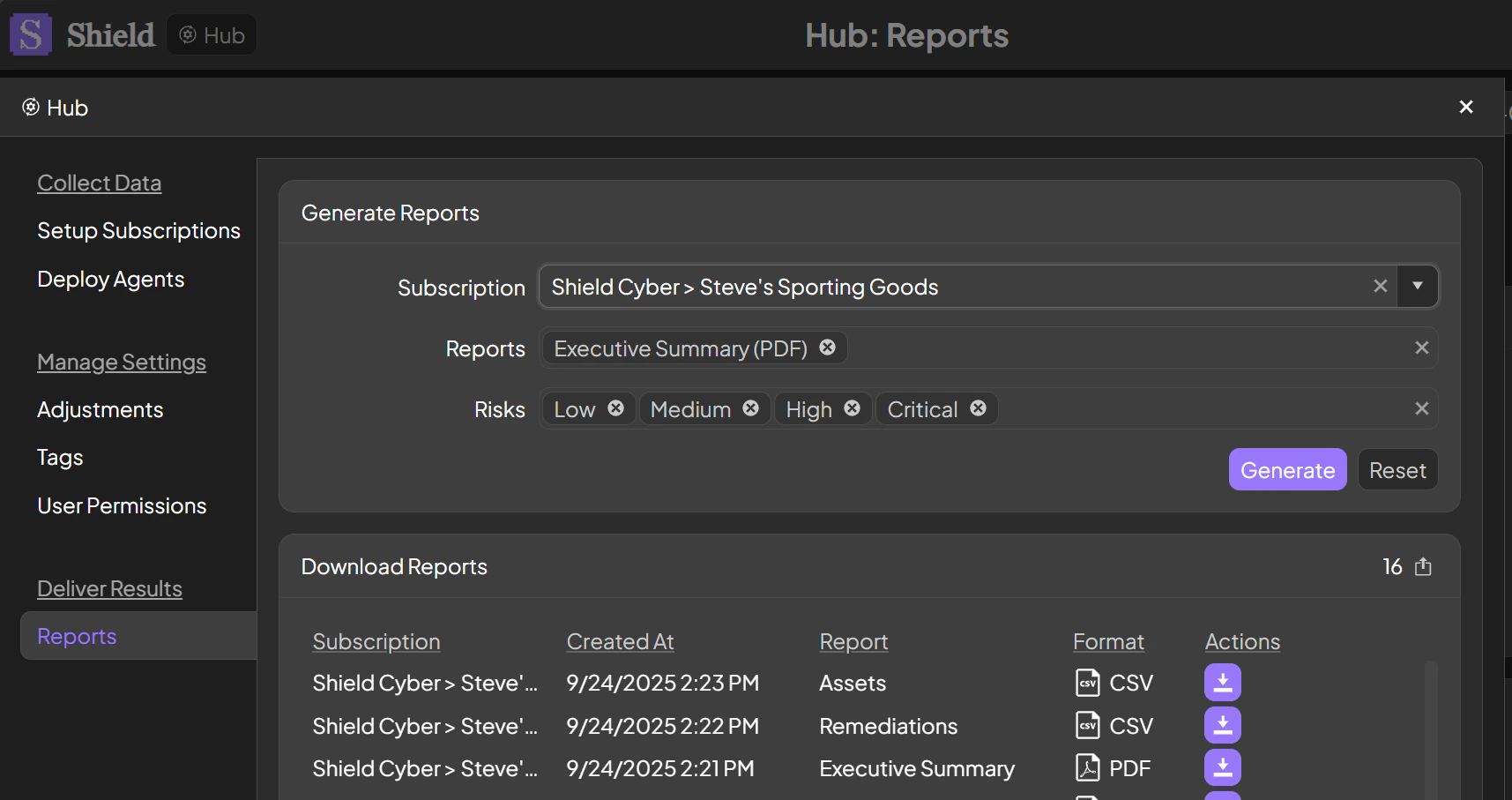
To generate a report, click into the reports drop down and select one or more types of reports. The risk levels to be included in the reports can be modified.
### Download Reports
To download a report, select the down arrow icon in the same row as the report.
### Generate Reports
To generate a report, click into the reports drop down and select one or more types of reports. The risk levels to be included in the reports can be modified.
### Download Reports
To download a report, select the down arrow icon in the same row as the report.