> ## Documentation Index
> Fetch the complete documentation index at: https://docs.shieldcyber.io/llms.txt
> Use this file to discover all available pages before exploring further.
# Deploy Agents
> The Deploy Agents page generates deployment scripts for the Shield Internal Agent.
 ### Single Subscription
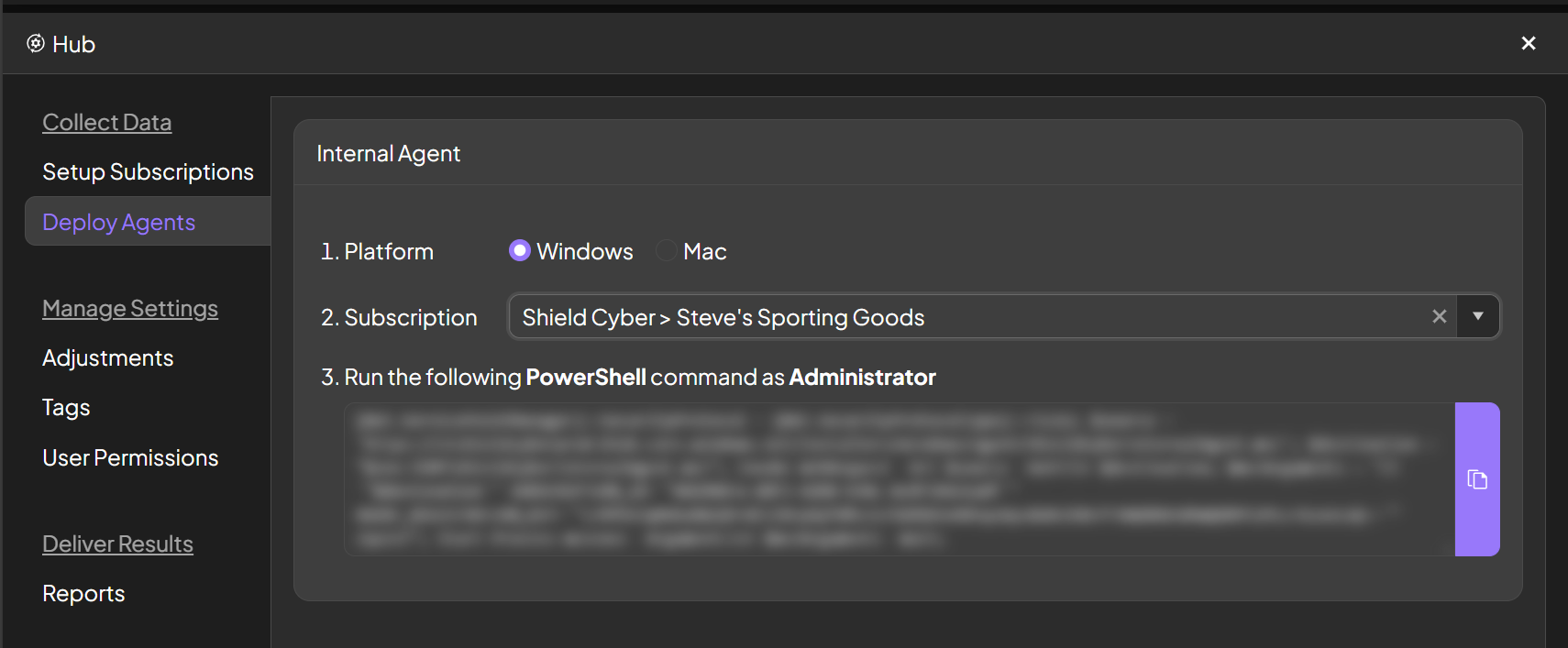
To deploy to a single subscription, select a platform and the subscription. A one line script will be generated that can be invoked on each asset to install the Shield Internal Agent. This script can be deployed with your preferred remote administration tool or technique.
### Template
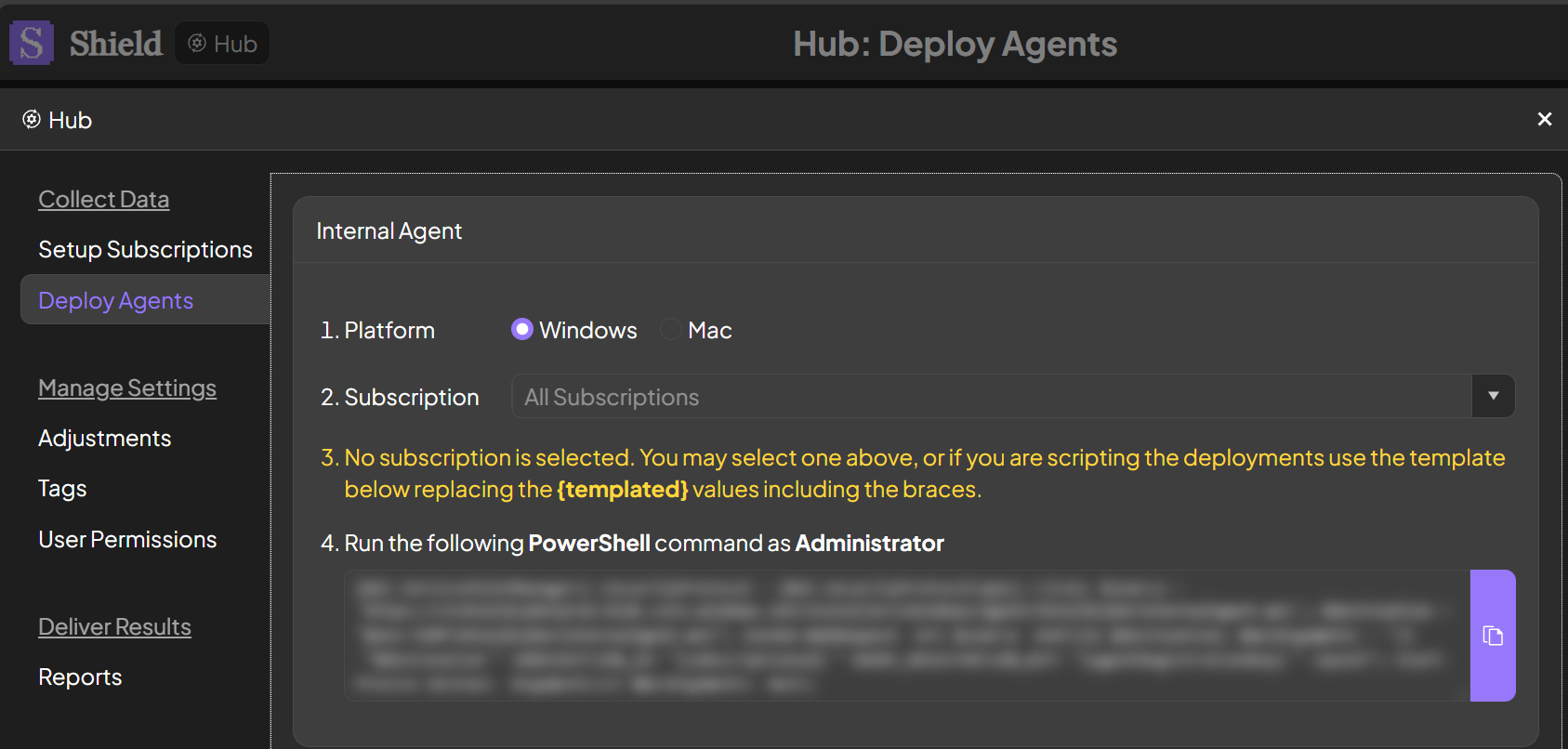
To instead generate a deployment script template without subscription specific information, leave the subscription field blank. The {templated} values including the braces will need to be replaced. The subscription specific information can be copied from the [Setup Subscriptions](/hub/setup-subscriptions) page.
### Single Subscription
To deploy to a single subscription, select a platform and the subscription. A one line script will be generated that can be invoked on each asset to install the Shield Internal Agent. This script can be deployed with your preferred remote administration tool or technique.
### Template
To instead generate a deployment script template without subscription specific information, leave the subscription field blank. The {templated} values including the braces will need to be replaced. The subscription specific information can be copied from the [Setup Subscriptions](/hub/setup-subscriptions) page.