> ## Documentation Index
> Fetch the complete documentation index at: https://docs.shieldcyber.io/llms.txt
> Use this file to discover all available pages before exploring further.
# Adjustments
> The Adjustments page allows for adjusting the risk level of identified vulnerabilities.
 ### Add Adjustments
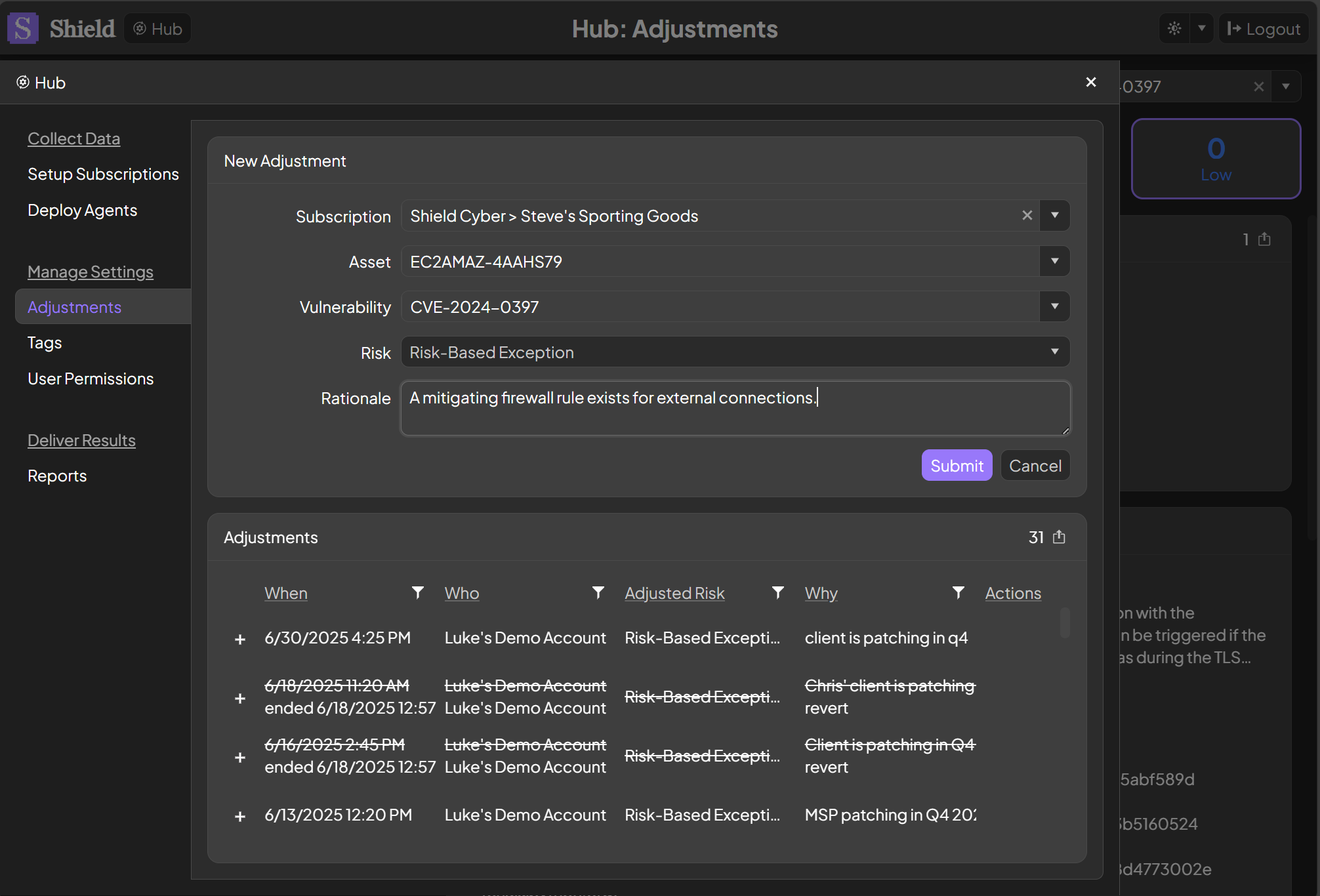
To add a new adjustment, click the Add Adjustment button. A subscription, risk level and a rationale are required. Either an asset or a vulnerability is required, or both may be specified. If an asset is selected without a vulnerability, then the adjustment applies to all vulnerabilities for the asset. If a vulnerability is selected without an asset, then the adjustment applies to that vulnerability across all assets in the subscription.
### Add Adjustments
To add a new adjustment, click the Add Adjustment button. A subscription, risk level and a rationale are required. Either an asset or a vulnerability is required, or both may be specified. If an asset is selected without a vulnerability, then the adjustment applies to all vulnerabilities for the asset. If a vulnerability is selected without an asset, then the adjustment applies to that vulnerability across all assets in the subscription.
 ### End Adjustments
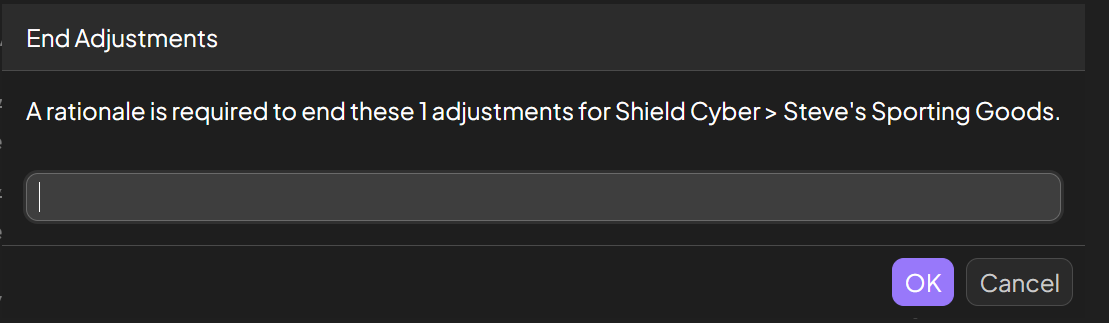
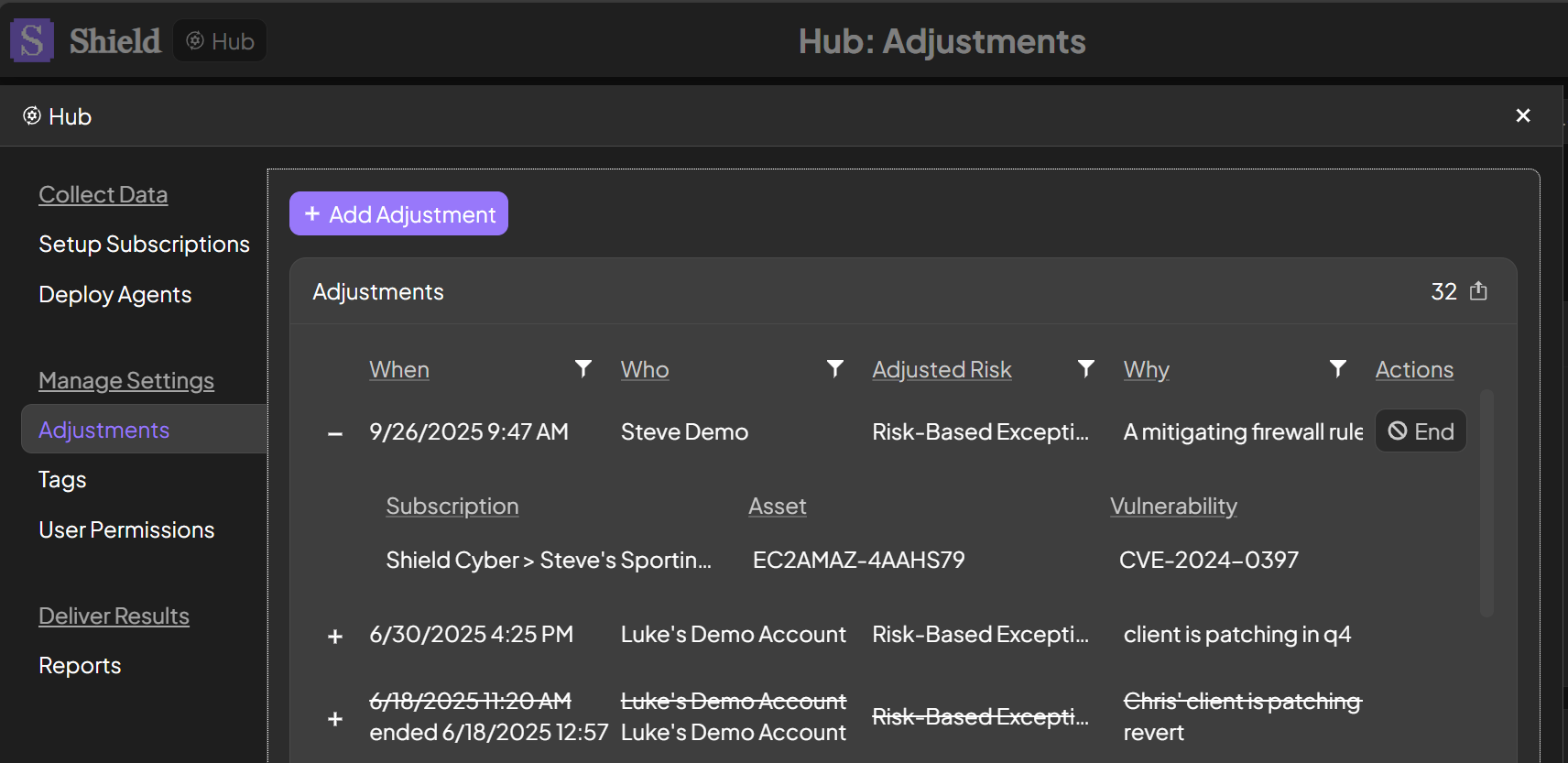
To end an adjustment, click the End button in the same row as the adjustment. The End button will only be available to users with the Manage Settings permission on the subscription. A rationale is required to end the adjustment, the same as when the adjustment was added.
### End Adjustments
To end an adjustment, click the End button in the same row as the adjustment. The End button will only be available to users with the Manage Settings permission on the subscription. A rationale is required to end the adjustment, the same as when the adjustment was added.